How to Use Our Free Budget Template to Start 2026 With Clarity and Confidence

You want 2026 to be your best year yet and you are working on all kinds of plans to make that happen. A big part of that is getting organized with your money. That is why we created something for you inside MoneyMapLab: a Free Budget Template that helps you understand how you use your money.
Budgeting brings clarity to your income and priorities so you can direct your money toward what matters most. In simple terms, it helps you decide how you want to divide it between expenses, debt payments, savings, and wants.
Budgeting can feel overwhelming, which is why we are sharing both the template and this step-by-step walkthrough. Even though the template includes easy PDF instructions, this guide will show you exactly how to fill it out.
BEFORE YOU START WITH OUR FREE BUDGET TEMPLATE
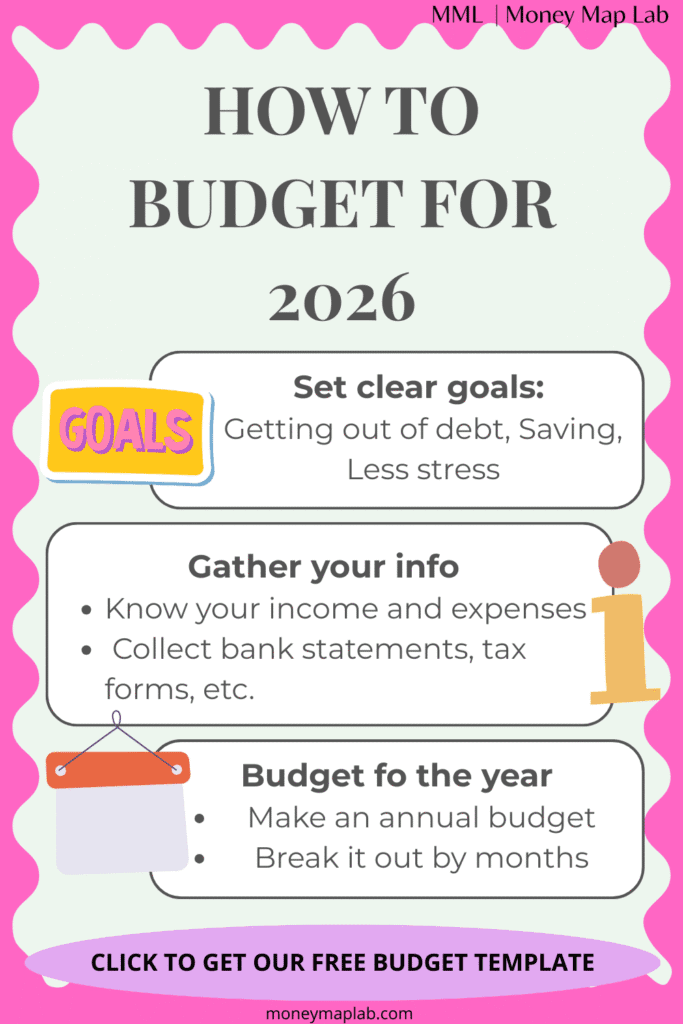
The template is designed so you create a yearly budget first. Seeing the full year at a glance gives you a clearer picture of your goals, commitments, and financial capacity.
Take a moment to identify the following:
- Your income: How much did you earn in 2025 and how much do you expect in 2026? List all sources.
- Your expenses: Make a list of everything, from rent and groceries to trips and yearly payments. Reviewing this year’s bank statements helps avoid missing anything.
Our budget template has 3 tabs:
- Annual Budget: This is the most important tab. Here you’ll think in annual terms for both your income and expenses.
- Monthly Budget: Once you have your annual budget figured out, you’ll break it down by month.
- Tracker: This tab is optional. Once a month you can fill it with your actual income and expenses. It shows you the comparison with your budget and adds them up as the year goes by.
We’ll walk you through each section of the template so you understand exactly how to fill it out.
ANNUAL BUDGET
The purpose of this tab is for you to:
- Understand your annual income.
- Decide how to divide it between needs, debt payments, savings, and wants.
- Set your financial goal for the year.
- Check that your budget aligns with your goal.
- Ensure your total income covers your total expenses.
Now we can start. Go to the Annual Budget tab.
How to Fill the Annual Budget Tab
INCOME SECTION
List each source of income. The sheet gives you space for three sources, but only fill what applies. For instance: main job, side hustle, and dividends.
For each one, include the Frequency, meaning the number of months you receive it. For example, a salary usually has a frequency of 12 while a seasonal side business might have 1.
Feel free to adjust to your own situation. Maybe you don’t have income from different sources but expect a bonus in the middle of the year.
Once you fill this in, check the total income calculated on the right to make sure it looks accurate.
Some Things to Consider
Do you have irregular income?
If you have irregular income, use the template to commit to a realistic minimum you can count on each month. Perhaps you need to make an extra effort to collect relevant information to guide you, go through your bank statements or any other relevant document to calculate your total income for the year. From there, establish a goal for next year.
If this is your case, you may find it useful to read our post Mastering Freelance Money: 7 Easy Steps to Reduce Money Stress (https://moneymaplab.com/mastering-freelance-money-steps-reduce-stress/).
Before- or after-tax income
We recommend using your after-tax income. It is probable your employer or clients will subtract a portion of your income tax before paying you. This is the easiest number to use for your budget.
Alternatively, you can use your before-tax income, but if you do, be sure to also include all mandatory deductions like taxes, retirement contributions, and insurance premiums as expenses.
EXPENSES SECTION
Below the income section, you will enter your annual expenses. The template groups expenses into four categories:
- Needs: Essential costs such as rent, food, and insurance.
- Debt: All annual debt payments including interest and principal. It could be the minimum payment, but ideally it should be aligned with your debt paydown plan.
- Savings: Short-term goals like vacations or emergencies, and long-term goals like retirement.
- Wants: Non-essential spending such as restaurants, entertainment, and shopping.
Our post on 5 Smart Ideas to Build a Budget That Works is a good starting point (https://moneymaplab.com/5-smart-ideas-how-to-build-a-budget-that-works/).
Some Things to Consider
- If these categories do not reflect your situation, you can rename them and the sheet will update automatically.
- Freelancers or business owners may prefer different categories, like supplies, memberships and technology. Our post Mastering Freelance Money: 7 Easy Steps to Reduce Money Stress may be useful.
- Also remember to include irregular or unexpected expenses. A small buffer helps prevent surprises.
- Make the budget your own. We are all different and what might be a need for one person may be a want for another. Don’t stress over finding the right category; just put it where it feels right for you.
Amount and Frequency
For each expense, enter the annual amount and how many months of the year you pay it, the Frequency. For instance, for rent, which you pay every month, you should write down 12.
While most expenses like rent or groceries are paid month to month, there are some expenses we don’t pay every month. Make sure you don’t forget these, like insurance, Christmas gifts, memberships, car maintenance, and so on.
For annual or irregular expenses such as insurance or gifts, choose whether you want to save for them monthly or assign them directly to the month when they occur.
- Save up for that expense. In this case, you can write 12 as the frequency and put that money away each month. This way, when the expense comes, you’ll be ready.
- Put it exactly in the month it is due. This could make sense if you have additional income that you can use specifically to pay for it.
The sheet calculates the total for each category and displays a visual breakdown on the right.
Please note that technically savings or debt payments aren’t expenses, and other items you include may not be either. For simplicity, we call all cash outflows ‘expenses,’ even though some, like savings or debt payments, are not technically expenses in accounting terms.
FINALLY
After entering all your income and expenses, check your balance. It is automatically calculated as Income minus Expenses.
The ideal balance is zero, meaning you have assigned every dollar a purpose. If the balance is positive, you can add it to a category or leave it as a buffer.
If it is negative, review your numbers and adjust until your expenses do not exceed your income. A negative balance means you’re spending more than you’re bringing in, which usually ends up being covered with consumer debt.
This could be an easy fix: perhaps you missed something, forgot a source of income you usually receive, or overstated some expenses. But if you review it and all your numbers look right, then you need to do some additional work.
Either try to come up with a new source of income or find expenses to cut. Don’t get discouraged! This is why you are budgeting, to find out what’s wrong and correct it. This is how you improve your finances.
This is also the best moment to write down your financial goal for the year in the space provided.
MONTHLY BUDGET TRACKER
The annual sheet does most of the planning work. There you really needed to gather your information and plan for next year.
The monthly sheet helps you distribute that plan into actual months.

In the first columns you’ll see your annual budget organized: first your income, then your expenses, and your balance at the bottom. You’ll also see an Average column, which is the amount you are expected to spend each month for each item. It is simply the division of your annual total by the number of months you set as the frequency.
For instance, if your annual salary is 50,000 and you put 12 down as the frequency, the “Average” column will show 4,167 (50,000 ÷ 12). If you pay for a 500 membership each July and you put 1 as the frequency, the “Average” column will show 500.
The purpose of the “Average” column is to give you an idea of the value you need to include each month for each concept included in your annual budget. However, you don’t need to use it if you don’t want to.
In this sheet, you’ll see one column for each month of the year, and many cells colored in light green. You need to fill those green cells with the amount you expect to pay for that income or expense. Use the Average column as guidance if you want to, or enter values manually.
The Check column confirms whether the monthly totals match your annual plan.
Finally, at the bottom, you’ll get each month’s balance.
Unlike with your Annual Budget, with your Monthly Budget you do not need a positive balance every month, but you do need to monitor it. Positive months may need to fund negative months, so set money aside accordingly.
TRACKER
The Tracker lets you compare your budget with your actual spending as the year progresses.

It is optional because tracking every detail takes time. Tracking is not for everyone, and it is time-consuming.
If you complete the other tabs, you already know your numbers. Even if you don’t track every detail, you should still check in regularly to make sure you’re staying aligned with your goals.
- Your debt balance isn’t increasing
- Your savings account is being funded regularly, and the total balance matches what you expected
- You’re able to make all your payments on time
- In general, you are accomplishing what you expect
Especially if you set the right systems in place to send your money exactly where you want it to go, you might not need to be too strict about tracking. Just checking that you’re meeting your goals is enough and that can be done by checking your accounts.
- If you like to track everything or are really struggling financially, you should use the tracker.
It will give you the details you need to make better decisions.
Both the annual and monthly budget sheets feed the tracker automatically; this is what you are comparing reality to.
If you decide that tracking is for you, you need to manually fill the green cells. To do this, set aside weekly time and write down what you have paid for. Each week, either erase it and put the updated value or, if you have some Excel skills, add the new information.
If you want to avoid manual entry and prefer a fully automated system, you can get our ultimate budget template here.
FINALLY
Budgeting is one of the most effective tools to bring order and intention to your finances. This simple budget template will help you start the year knowing exactly what your financial goals are and how to get your money to work for you.